 Iconic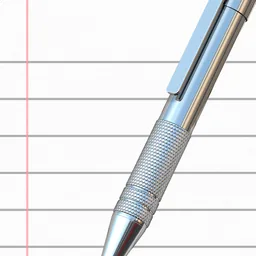
TextEdit icons for Mac
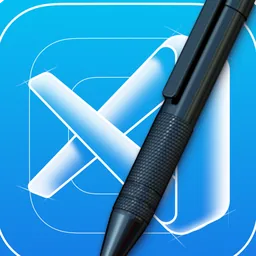
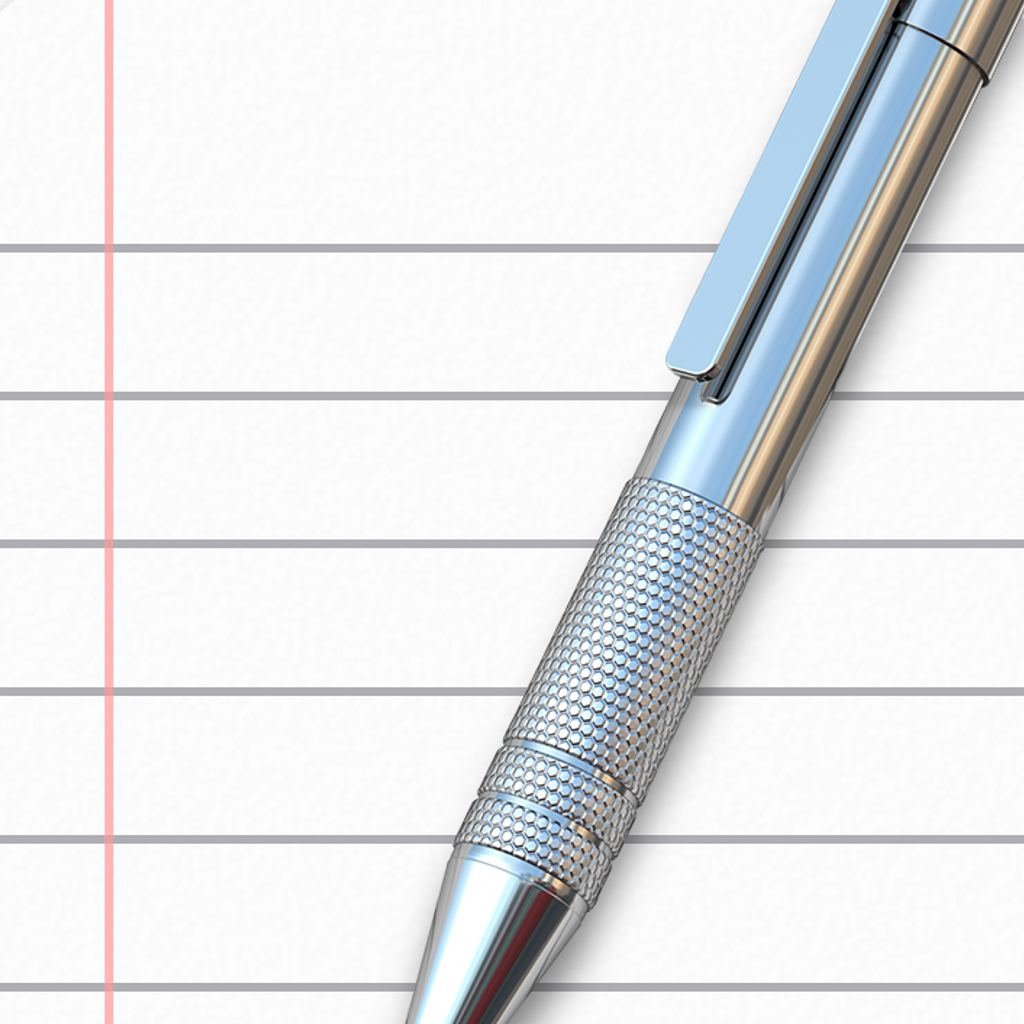
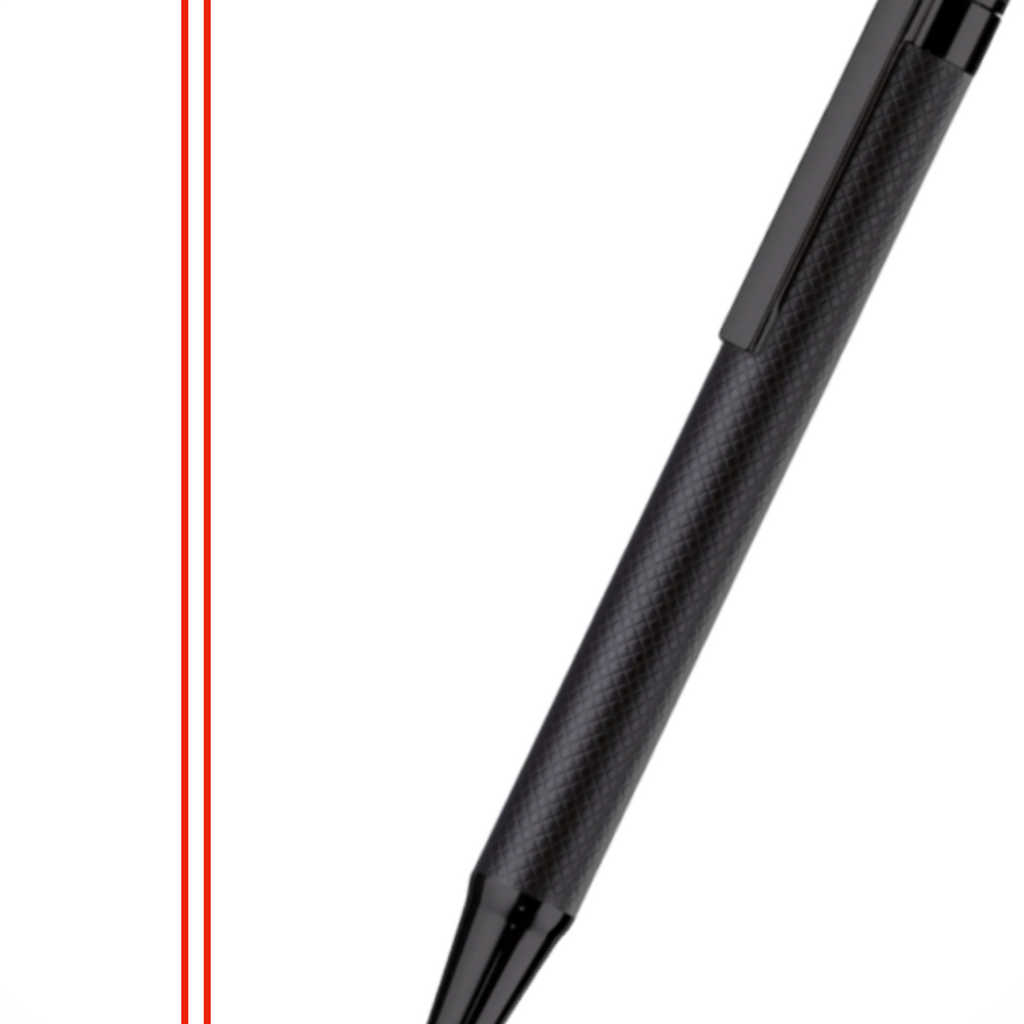
4 alternative TextEdit icons for macOS, made by 4 designers, including Agent David, CaedmonM and schneidericons. The most popular one has been downloaded 1,491 times. Newest added February 2024. Every icon is a 1024×1024 PNG with a transparent background, sized for the Dock.

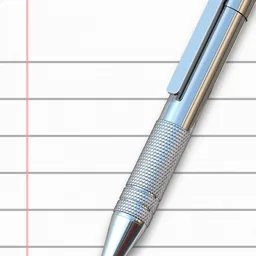
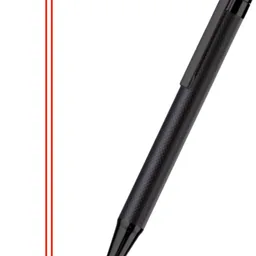
How to use a custom TextEdit icon
- Pick an icon below and download the PNG.
- One click with Iconic: select TextEdit in the sidebar, search, click the icon. Iconic restarts the Dock for you and themes Apple's built-in apps through a small wrapper, since they live on the sealed system volume.
- Or by hand: macOS won't let you edit TextEdit directly because it lives on the sealed system volume, so the manual route doesn't work. Iconic is the easy way here.
TextEdit in style collections
Matching restyles that go with a whole themed Dock.
 3Dstyle collection
 Animestyle collection
 Art Decostyle collection
 Cartoonstyle collection
 Cinemastyle collection
 Collagestyle collection
 Coolstyle collection
 Darkstyle collection
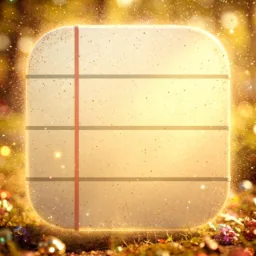 Dreamystyle collection
 Etherealstyle collection
 Glowystyle collection
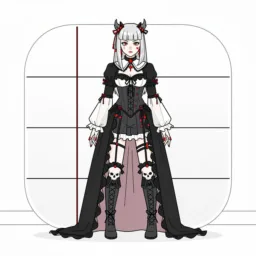 Gothstyle collection
 Illustratedstyle collection
 Lavenderstyle collection
 Low-polystyle collection
 Paperstyle collection
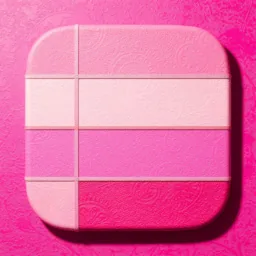 Pinkstyle collection
 Sunlightstyle collection
 Sunsetstyle collection
 Sweetsstyle collection
More Developer Tools icons












FAQ
Are these TextEdit icons free?
Yes. Every icon on this page is a free 1024×1024 PNG download, credited to the designer who made it. No account needed.
How do I change the TextEdit icon on my Mac?
TextEdit is an Apple app on the sealed system volume, so Get Info can't change it. Iconic applies custom icons to Apple apps through a wrapper app in one click.
Will the custom icon survive TextEdit updates?
An app update can replace the app and bring the stock icon back. Iconic's background service notices updates and reapplies your custom icon automatically.