 Iconic
Mac icon packs
20 free icon packs for macOS, 1,880 icons in total. Each pack restyles the same popular apps in one look, so your whole Dock matches. Every icon is a 1024×1024 PNG with a transparent background.

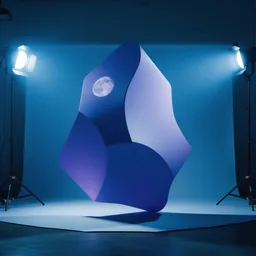

 Dark
Cool moonlit icons that fit a darker macOS setup.
94 icons



 Cool
Icy blue, airy, clean icons for a calm desktop.
94 icons


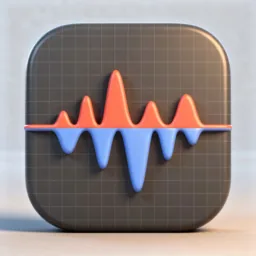
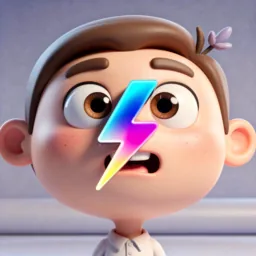 3D
Chunky computer-generated cartoon depth and shine.
94 icons
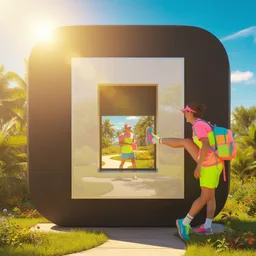


 Sunlight
Warm, bright, sun-kissed icons for a cheerful desktop.
94 icons



 Sunset
Golden-hour amber and rose tones across the whole Dock.
94 icons
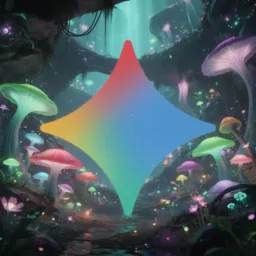


 Glowy
Bioluminescent fantasy lighting with vivid neon edges.
94 icons



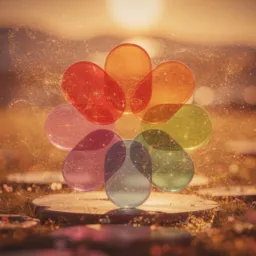 Dreamy
Soft golden glow, shimmer, and gentle depth.
94 icons



 Ethereal
Vintage bokeh, soft focus, warm fantasy tones.
94 icons
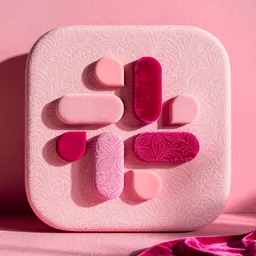

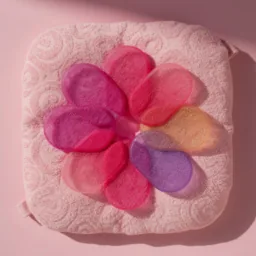
 Pink
Full pink treatment: pastel, hot pink, and magenta.
94 icons
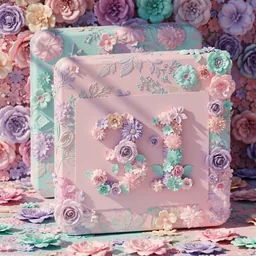

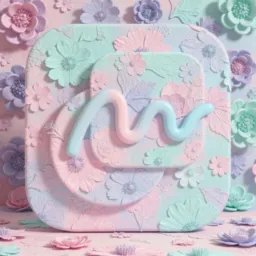
 Lavender
Pastel floral lavender with soft mint and pink accents.
94 icons



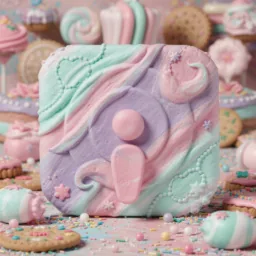 Sweets
Candy-land colors with playful pastel texture.
94 icons

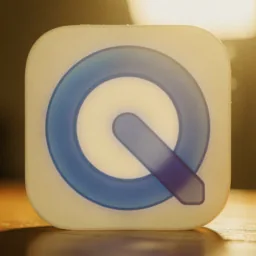

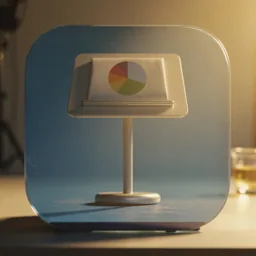 Cinema
High-end photographic lighting with cinematic warmth.
94 icons
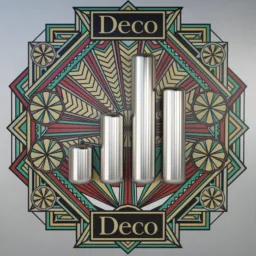
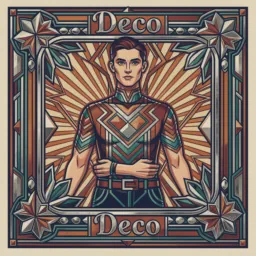
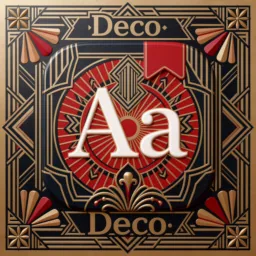
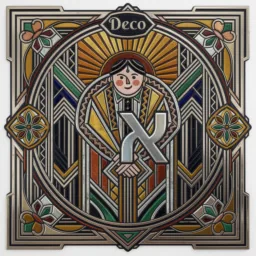 Art Deco
Decorative geometry, polished lines, and poster-like symmetry.
94 icons

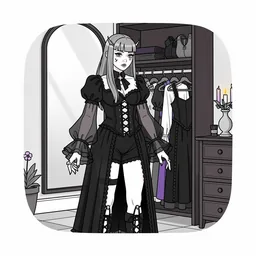
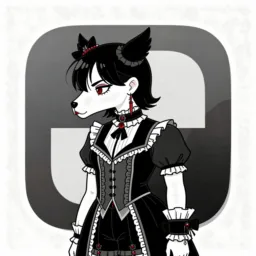
 Goth
Monochrome gothic line-art with selective color accents.
94 icons

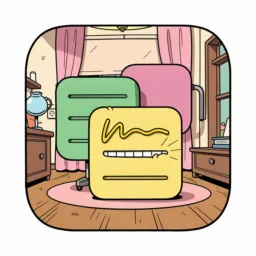

 Cartoon
Loose hand-drawn lines and classic Saturday morning energy.
94 icons
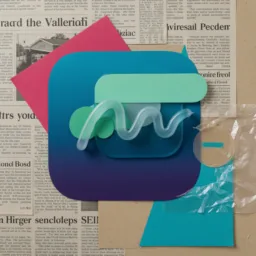
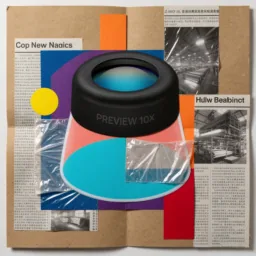
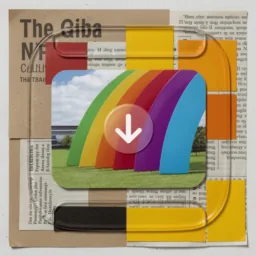
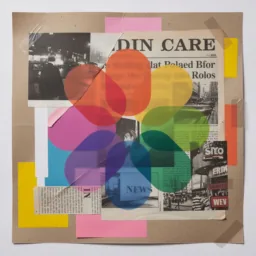 Collage
Layered editorial cutouts, newsprint, kraft paper, and color blocks.
94 icons



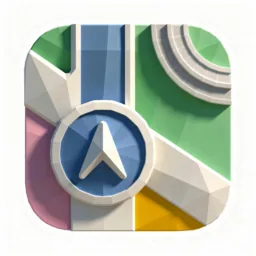 Low-poly
Faceted geometric forms with a surreal game-art feel.
94 icons



 Illustrated
Modern flat illustration, whimsical shapes, and saturated color.
94 icons

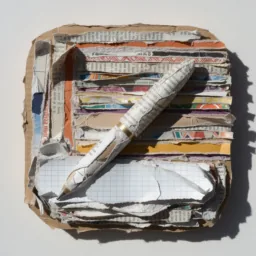
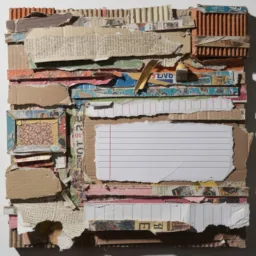
 Paper
Dimensional torn-paper craft with tactile shadows.
94 icons


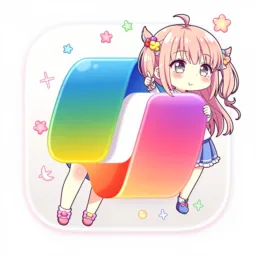
 Anime
Kawaii anime styling with vivid, expressive color.
94 icons
How to use an icon pack
- Pick a pack above to see every icon in it.
- Whole Dock at once with Iconic: open the pack in Iconic and click Apply Installed Apps. Iconic applies the style to every matching app on your Mac.
- Or by hand: download a PNG, select the app in Finder, press ⌘I, then drag the PNG onto the small icon at the top of the Info window. Repeat for each app. Full guide.
Looking for one app instead? Browse icons by app, or see Liquid Glass icons and folder icons.
FAQ
What is a Mac icon pack?
A set of app icons drawn in one style, so your Dock looks like it was designed together. Each pack here covers the same popular apps, including Safari, Chrome, Spotify, Slack, Notion and Discord.
Are these icon packs free?
Yes. Every icon in every pack is a free 1024×1024 PNG with a transparent background. No account needed.
How do I install an icon pack on a Mac?
By hand, you change each app one at a time: select the app in Finder, press Command-I and drag the PNG onto the small icon in the Info window. Iconic applies a whole pack at once and puts your icons back after app updates.
Can I go back to the original icons?
Yes. By hand, open Get Info, click the small icon and press Delete. In Iconic, restore one app or all of them at any time.
Do icon packs work on macOS Tahoe?
Yes. Custom icons are not forced onto the gray squircle tile that macOS 26 puts behind older icons.